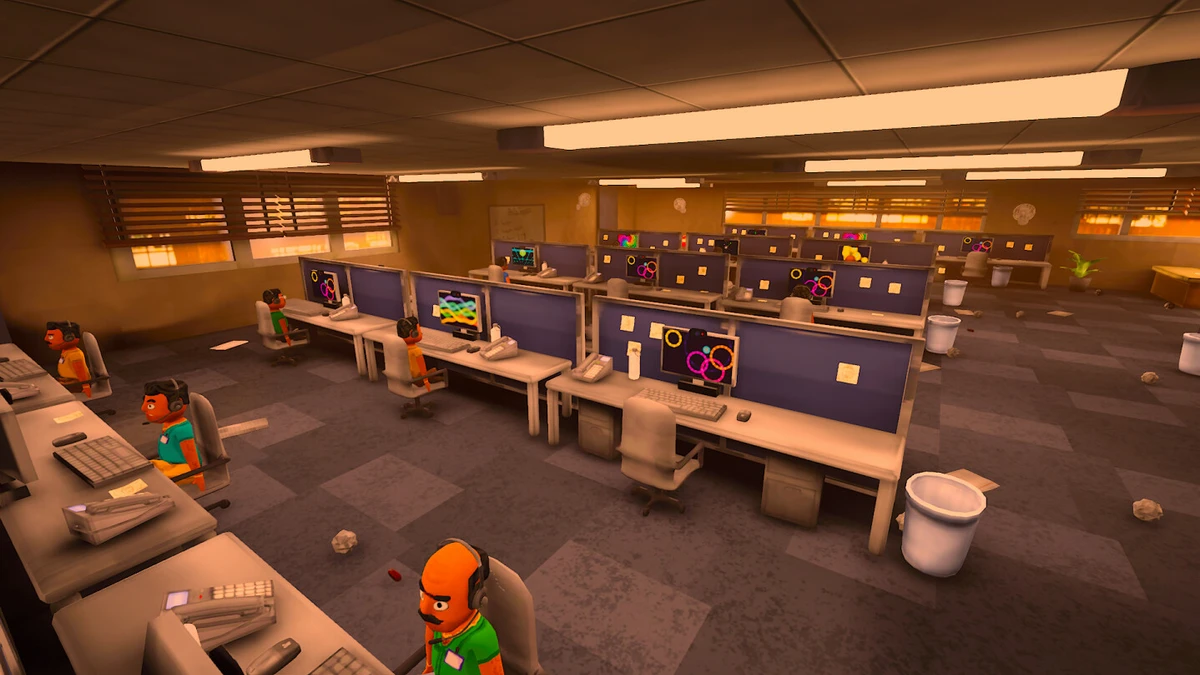
CPU lag, fan noise, and stuttering in Scam With Your Friends are caused by the game's engine rejecting GPUs with less than 7.5 GB of VRAM, which forces audio synthesis onto a heavy single-threaded CPU path. The engine's hard-coded check treats any card below 7680 MB as "unsuitable" and falls back to the MOSS neural TTS synthesizer that runs entirely on the processor. This saturates the CPU at 95–100%, makes callers pause 30–45 seconds before speaking, and produces broken, stuttering lines with filler words. A community optimization patch reverses this behavior: it unlocks Vulkan GPU acceleration for 4–6 GB cards, removes the forced CPU fallback, fixes the input-thread crash (error 29342703) from a UTF-8 BOM in Unity's standard stream, and disables the placeholder filler coroutine so responses come out smooth and near-instant. The patch also translates the Kolkata OS desktop and all 18 scam applications into Russian while preserving internal IDs for server-side progress tracking.
Why the Game Stutters and Overheats
1. The 7.5 GB VRAM GPU lock
Scam With Your Friends ships with Qwen3-TTS, a neural voice model designed to run on the GPU via Vulkan. However, the original code contains a strict VRAM check: if the detected GPU has less than 7680 MB (7.5 GB) of video memory, the engine disables GPU audio processing and switches to the MOSS CPU synthesizer. Popular laptop GPUs like the RTX 3050 Laptop (6 GB), RTX 4050 Laptop (6 GB), RTX 2060, and GTX 1660 Ti all fall below this threshold. The result: the CPU is forced to handle neural speech synthesis in a single thread, peaking at 95–100% load while the GPU sits idle at 0%. Fans ramp to maximum and every caller line takes 30–45 seconds to generate.
2. The 1-second timer and forced fillers
The call mechanic runs a timer: if a phrase takes longer than 1 second to generate, the engine forcibly inserts a short filler such as "Hm, I see..." or "Um, okay" before the main sentence. After the filler, there is a pause, then the engine loads and speaks the real phrase from the start. This makes the bot sound like it is stuttering and interrupting itself. The game settings menu offers an option to disable these fillers, but a bug in the SendDelayedResponseFiller coroutine makes the game ignore that setting entirely.
3. Why the Romantic Scam ($600) fails to register
The romantic scenario requires a strict sequence: 1) hobbies/interests, 2) mutual flirting, 3) affectionate nickname, 4) love confession, 5) exact date (time AND place). Critical detail: step 4 ("I love you") will only be spoken by the caller when the Trust level is above 65–70%. Additionally, during long calls (more than 15 lines), the game stops sending the list of open objectives to the server to save traffic. If you complete an objective and the checkmark does not appear, simply minimize and restore the Romantic Scam window. This forces the game to refresh its context with the server, and the checkmark will light up immediately.
What the Optimization Patch Does
The patch is a surgical engine fix tested on a real gaming laptop (Lenovo LOQ, Intel Core i5-12450HX, 24 GB DDR5, RTX 3050 Laptop 6 GB, Windows 11 64-bit). It performs the following changes:
- Unlocks GPU acceleration for RTX 3050 and any GPU with 4–6 GB VRAM, enabling Vulkan0 hardware path.
- Eliminates the input-thread crash (error 29342703) by filtering the UTF-8 BOM in the standard Unity stream.
- Disables parasitic fillers and self-interruptions, enabling smooth, continuous caller speech.
- Translates the entire Kolkata OS interface, including all 18 scam apps (Romance, Investments, Crypto, SSN, Tech Support, Auto Warranty, Nigerian Prince, Book Publishing, Timeshare, etc.), checklists, scenario steps, confirmation buttons, input fields, placeholders, the Scamazon store catalog, and system utilities (Cheat Sheet, Client Data, Accounting, Rainbit Casino, AnyViewer, desktop wallpapers).
- Preserves all internal IDs so the official server-side AI continues to track progress without issues.
- Keeps the game fully Steam-compliant: no third-party magic, proxies, or unofficial libraries. The game still uses official Jatater Worldwide servers and Deepgram Nova-3 for Russian voice recognition at 100% accuracy.
- Provides a one-click uninstall via
Uninstall_Patch.batthat restores all original game files from a backup.
Before and After Performance
| Metric | Before Patch (Stock Game) | After Patch |
|---|---|---|
| CPU Load | 95–100% (throttling, fans at max) | 15–20% (laptop quiet and cool) |
| GPU Usage | 0% (game rejected RTX 3050) | RTX 3050 active via Vulkan0, ~1.7 GB VRAM |
| Caller Response Delay | 30–45 seconds (slow CPU MOSS) | 0.4–0.8 seconds (instant Qwen3-TTS) |
| Speech Smoothness | Broken, stuttering, filler words | 100% smooth, continuous, natural speech |
| Kolkata OS Interface | English only | Full Russian translation |
How to Install the Patch
- Download the archive
SWYF_GPU_Optimization_Patch.zipfrom the provided link. - Extract its contents into the game's root folder:
.../Steam/steamapps/common/Scam With Your Friends/ - Run the file
Install_Patch.bat. - Launch the game through Steam. You should now have a quiet laptop, instant Russian speech, and a translated interface.
To remove the patch and return to the original state, simply run Uninstall_Patch.bat. This will instantly restore all game files from the backup created during installation.
Notes on Source Limitations
This guide is based on the community patch description. The patch is not an official developer update. No independent testing was performed by the author of this guide. The performance figures and behavior changes are as reported by the patch creators. Always create a manual backup of your game files before applying any unofficial patch.