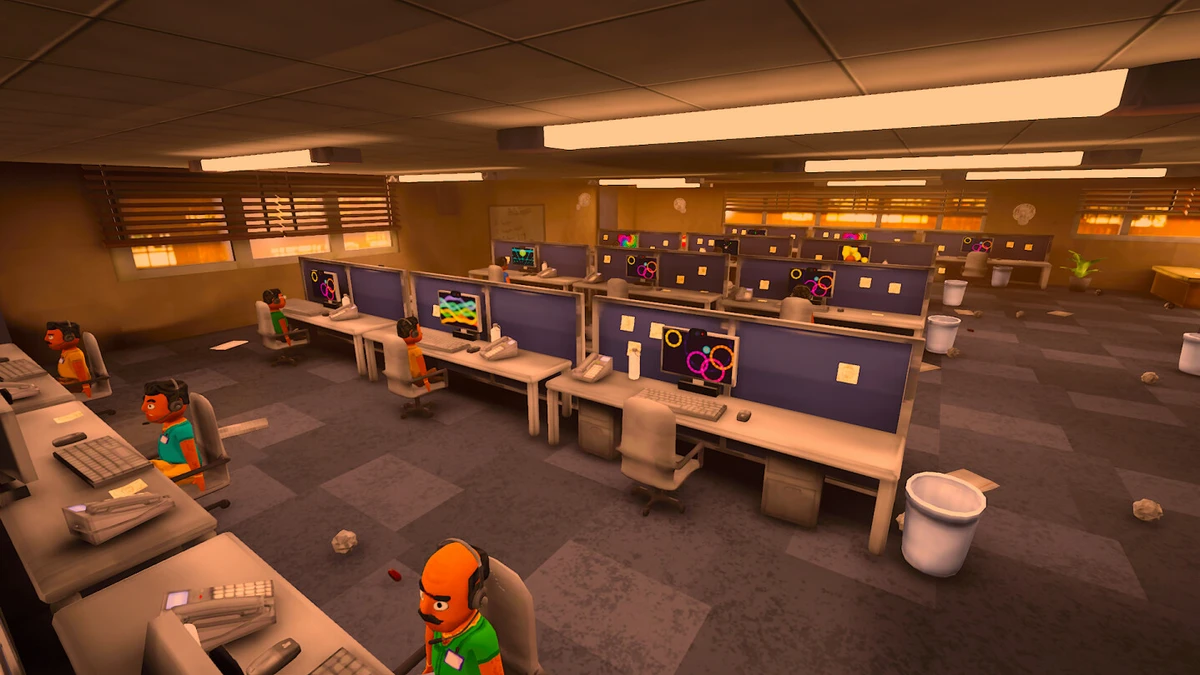
To install the Russian NPC voice mod for Scam With Your Friends, copy the OpenRouterTTS folder from the mod archive into the game folder next to Scam With Your Friends.exe, run OpenRouterTTS\install.bat, then enter your own OpenRouter API key in the game under Host AI settings. The mod replaces the stuttering Qwen3 voice output with live cloud voices (Microsoft MAI-Voice, including Lev and Masha), so NPCs speak Russian smoothly, typically starting within 0.7–1.5 seconds. Male and female characters get separate voices, the game's AI still writes the dialogue and English text is untouched, and if the cloud is unavailable the game falls back to its normal voice.
Prerequisites
- A working copy of Scam With Your Friends installed through Steam.
- Your own OpenRouter API key, created at the OpenRouter keys page. You need a balance of at least about $1; usage is roughly 0.3 cents per line of dialogue.
- The mod archive, which contains the
OpenRouterTTSfolder. - A stable connection to OpenRouter. From Russia the service may be unreachable; if you see error 403 in
OpenRouterTTS\log.txt, use a VPN in full-tunnel or TUN mode.
Installation Steps
- Close the game completely.
- In Steam, right-click the game, open Manage, then choose Browse local files.
- From the mod archive, copy the
OpenRouterTTSfolder into that game folder, placing it next toScam With Your Friends.exe. - Run
OpenRouterTTS\install.bat. If Windows shows a security warning, click More info and then Run anyway. - Launch the game, open settings, go to Host AI, select OpenRouter, and paste your API key.
- Select Russian as the language and press
F10in the menu to run the automatic self-test. The report is written toOpenRouterTTS\test-report.txt.
Hotkeys and Configuration
| Key | Action |
|---|---|
F9 | Play a test phrase. |
F10 | Run the automatic self-test. |
F8 | Reload the configuration settings. |
Voice selection, volume, and model are configured in OpenRouterTTS\config.ini. Edit that file while the game is closed, then press F8 after launching to apply changes.
After a Game Update
Game updates disable the mod automatically. Close the game, then run OpenRouterTTS\tools\patch.bat to reapply it. If you want to remove the mod entirely, run OpenRouterTTS\tools\restore.bat, or use Steam's Verify integrity of game files option.
Connectivity Check
Before troubleshooting, confirm that OpenRouter is reachable by opening openrouter.ai/api/v1/models in a browser. If the page does not load or returns an error, fix connectivity first, for example with a VPN in full-tunnel mode, because the mod cannot generate speech without cloud access.