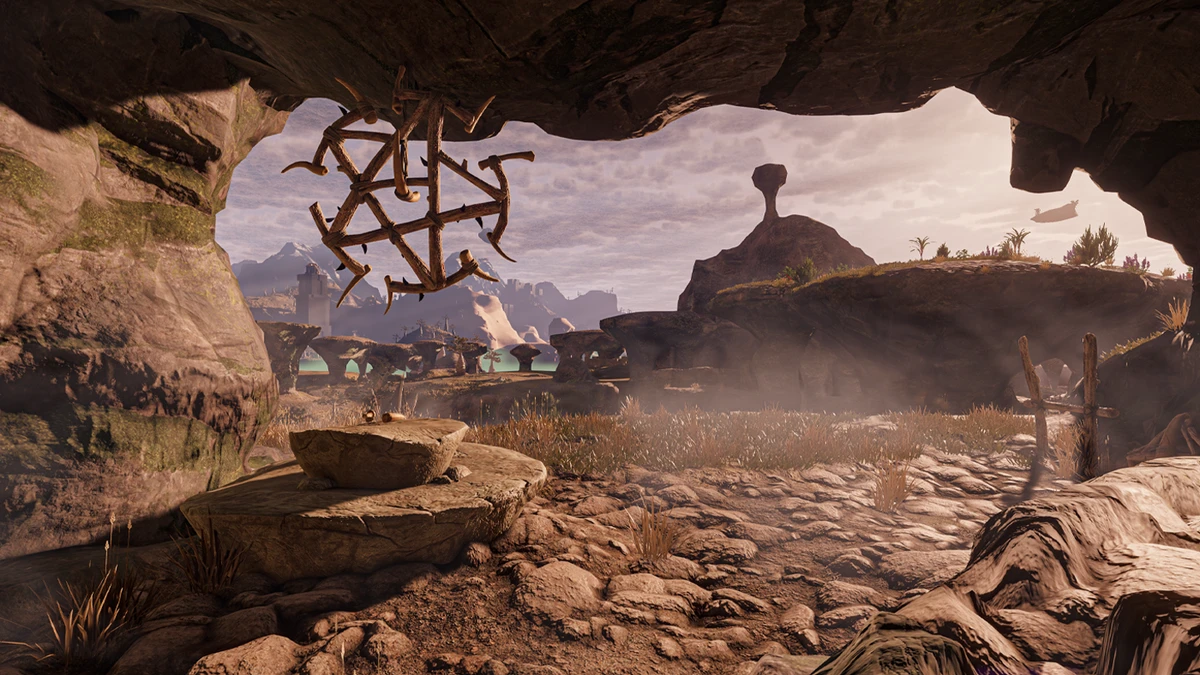
Enshrouded does not include a built-in developer console or single-player cheat menu. To use cheat-like effects, the supplied solution is a third-party trainer: start the trainer, launch Enshrouded, and toggle the desired options from the trainer interface. These options are intended for single-player use; disable them before entering or hosting a cooperative world, because multiplayer servers may detect or block trainer use. Back up your save before experimenting.
How to use the trainer
- Download the trainer from its official distribution platform rather than an unrelated third-party download site.
- Open the trainer application before or while starting Enshrouded.
- Launch the game and load the single-player world you want to modify.
- Use the trainer menu to enable only the effects you need. The source describes most options as switchable during play, without restarting the game.
- Turn the options off and close the trainer when you finish. Make sure all cheats are disabled before joining or hosting multiplayer.
Available survival and exploration effects
| Effect | What it changes |
|---|---|
| Unlimited health | Prevents normal health loss from ending a fight while you learn enemy attacks. |
| Unlimited stamina | Lets you run, jump, and dodge without waiting for normal stamina recovery. |
| Unlimited mana | Supports repeated spell casts while testing a staff-focused build. |
| Unlimited oxygen | Removes the normal underwater oxygen pressure during exploration. |
| Unlimited focus | Allows repeated use of abilities that consume the Focus meter. |
| Unlimited item durability | Stops equipment from wearing down through ordinary use. |
| Freeze the Shroud timer | Pauses the time pressure associated with Shroud exploration. |
| Maximum comfort | Sets comfort to its maximum value for base-building purposes. |
| No hypothermia | Prevents the normal cold or frostbite pressure during exploration. |
| Freeze time of day | Holds the in-game time at its current point. |
Combat, crafting, and progression effects
- Combat: Edit critical-hit chance, critical damage, melee damage, ranged damage, or magic damage. These options are useful for testing builds, but they can remove the intended difficulty from boss encounters.
- Crafting and inventory: Remove material requirements or edit the quantity of a dragged item. These options reduce resource gathering and can make larger transfers fit into fewer inventory slots.
- Leveling: Edit experience, apply an experience multiplier, or grant unlimited skill points. These effects let you test higher-level abilities and alternative skill-tree combinations without normal farming.
- Difficulty and presentation: Make enemies less responsive or change game speed. Slower game speed can help when examining an attack sequence, while reduced enemy awareness changes how encounters behave.
Important limitations and precautions
The source states that cheats are supplied by a trainer rather than by Enshrouded itself. It does not establish that every trainer version works with every game update, so check compatibility before using one. Trainers also do not automatically make every save safe: keep a separate backup of the world and character files, especially before enabling inventory, experience, skill-point, or crafting changes. The source says achievements are not automatically disabled, but using progression and damage cheats can still change the intended experience. Use a separate test save if you want to preserve an unmodified playthrough.
Quick troubleshooting checklist
- Confirm that Enshrouded is running before attempting to activate an option.
- Enable one effect at a time so you can identify which setting changes your game.
- If an option does not respond, turn it off rather than repeatedly forcing it.
- Exit the trainer before multiplayer and verify that no trainer effects remain active.
- Restore the backup if the save behaves unexpectedly after an inventory or progression edit.