 PlayTrail Guide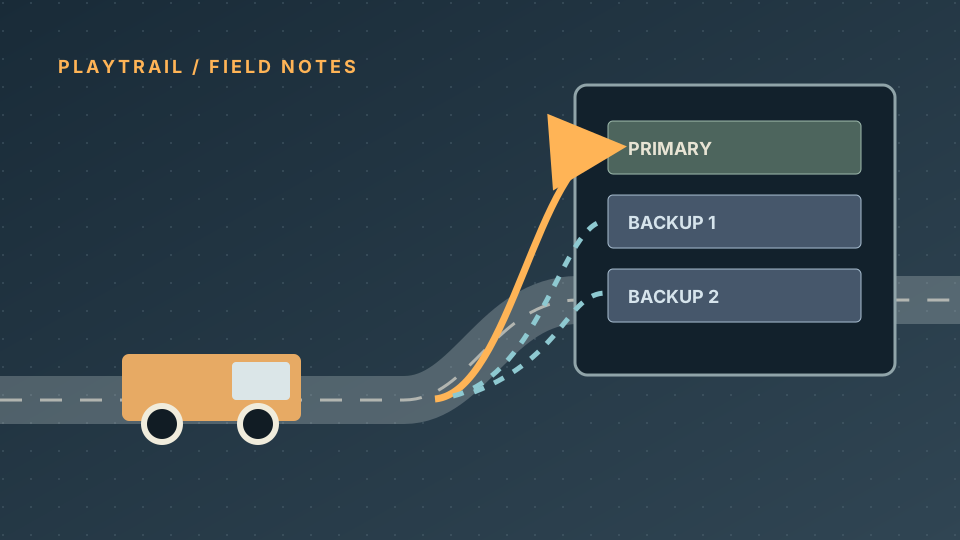
If trucks queue at one loading point while another terminal at the same station is empty, check the line's terminal assignment. Alternative terminals let a vehicle use a selected backup when its primary terminal is occupied. For road vehicles, the choice is made as the vehicle enters the station.
Set an alternative terminal
- Open the Line Manager and select the road line.
- Find the stop at the station you want to change. Open that stop's alternative-terminal selector.
- Keep the intended primary terminal selected. Enable only the other terminals that the vehicle can reach and leave.
- Watch the line's connection warnings. If one appears, remove the invalid backup or fix its road connections before running the line.
The wording of the selector may differ by interface language. This is a station/line setting, not a separate vehicle upgrade.
When it does not help
- No spare terminal appears: Check whether the station actually has another compatible terminal. A second road stop elsewhere is not automatically part of this station.
- The line shows a red connection warning: The backup may not be reachable from the previous stop, or its exit may not reach the next stop. The terminal selector indicates which direction is broken.
- Cargo still does not move: An empty backup does not create demand or fix a wrong cargo type. Check the destination's cargo acceptance and the line's load/unload settings separately.
- Trucks still queue at the entrance: A backup only helps if it is reachable and available when the approaching vehicle makes its choice. It is not a guarantee of a particular throughput increase.
Quick check
Use this order: same station → compatible spare terminal → valid inbound and outbound road path → no line warning → observe the next arriving vehicle. Change one condition at a time so a connection error is not mistaken for insufficient capacity.
Last checked: October 8, 2026. The official release notes list Steam stable build 40408 and preview build 40420; this page follows the official manual, not a hands-on test of either branch. The preview branch has not been checked. Menu labels and behavior can change after patches.