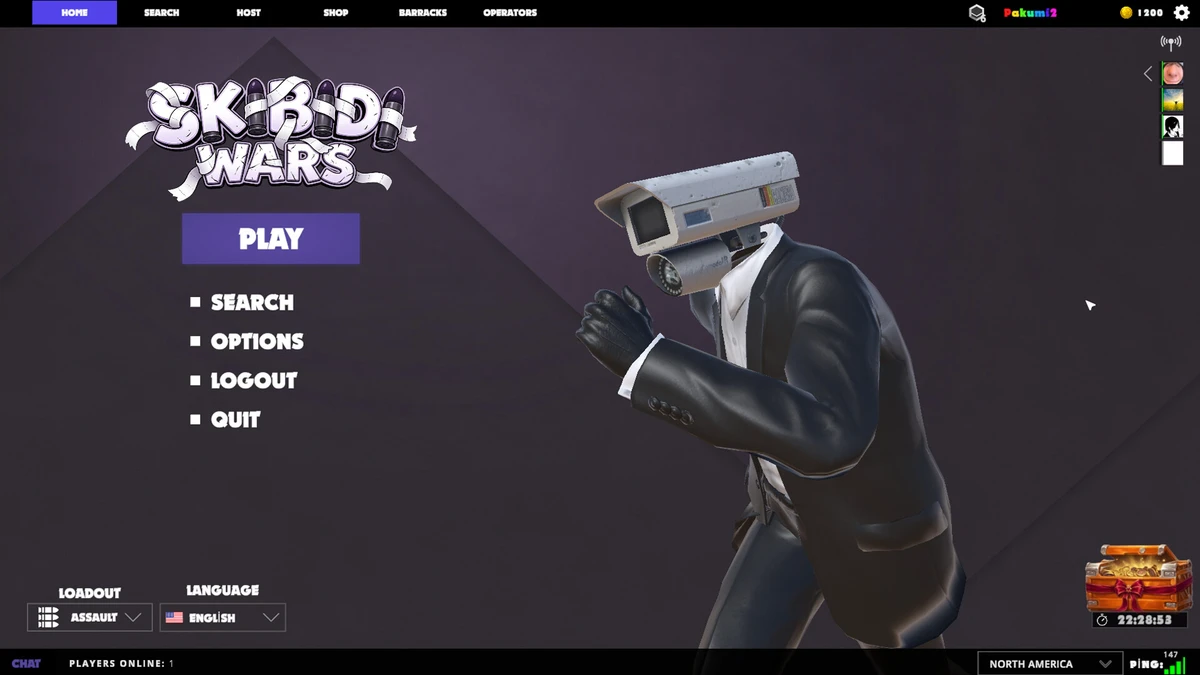
In Skibidi Wars you can change your character, customize your avatar, check your progress and rating, create a private server, switch to a first-person view, and pick from three game modes. Everything is done from the main menu buttons — “Оператор” (Operator), “Казармы” (Barracks), and “Создать” (Create). This guide walks through each of those actions in order, then covers the three modes, the maps currently in rotation, and the common “expection” error that can appear on launch. Use the steps exactly as written below; if a mode selection does not respond, the fallback described in the game-mode section is the intended workaround.
Maps in Skibidi Wars
Three maps are available:
- Factory
- Industrial
- Mall
How to change your character
- Press “Оператор” (Operator).
- Choose one character for the Skibidi Toilets side and one for the Alliance side.
You pick one character per faction, so make both selections before leaving the screen.
How to change your avatar, animation, and calling card
- Press “Казармы” (Barracks).
- For your avatar, press “Эмблема” (Emblem) and pick the avatar you want.
- For animations, press “Эмоция” (Emotion) and pick the one you need.
- For your calling card, press “Визитная карточка” (Calling Card) and set the one you want.
How to check your progress
- Press “Казармы” (Barracks).
- Press “Прогресс” (Progress).
How to check the rating
- Press “Казармы” (Barracks).
- Press “Рейтинг” (Rating).
How to create your own server
- Press “Создать” (Create).
- Select the settings you need.
- Press “Создать” (Create) to confirm.
First-person view
First-person view is toggled with the P key.
Game modes
Skibidi Wars has three game modes:
| Mode | Description | Requirement |
|---|---|---|
| Free-for-all | Everyone is out for themselves. | — |
| Team mode | Team versus team. | — |
| Capture the flag | Teams compete to capture the flag. | At least 2 players are needed to start this mode. |
How to select a mode
- Press “Играть” (Play) and choose a mode.
- If it does not work, press “Рандом” (Random).
- If the first attempt still fails, pick “Рандом” (Random) again; you will be moved to a lobby.
- Next to the map, press the gear icon and select the mode from there.
Fixing the “expection” error on launch
- Remove everything from the Steam downloads queue.
- Launch the game again.
This should help. Alternatively, simply wait — the error may clear on its own.