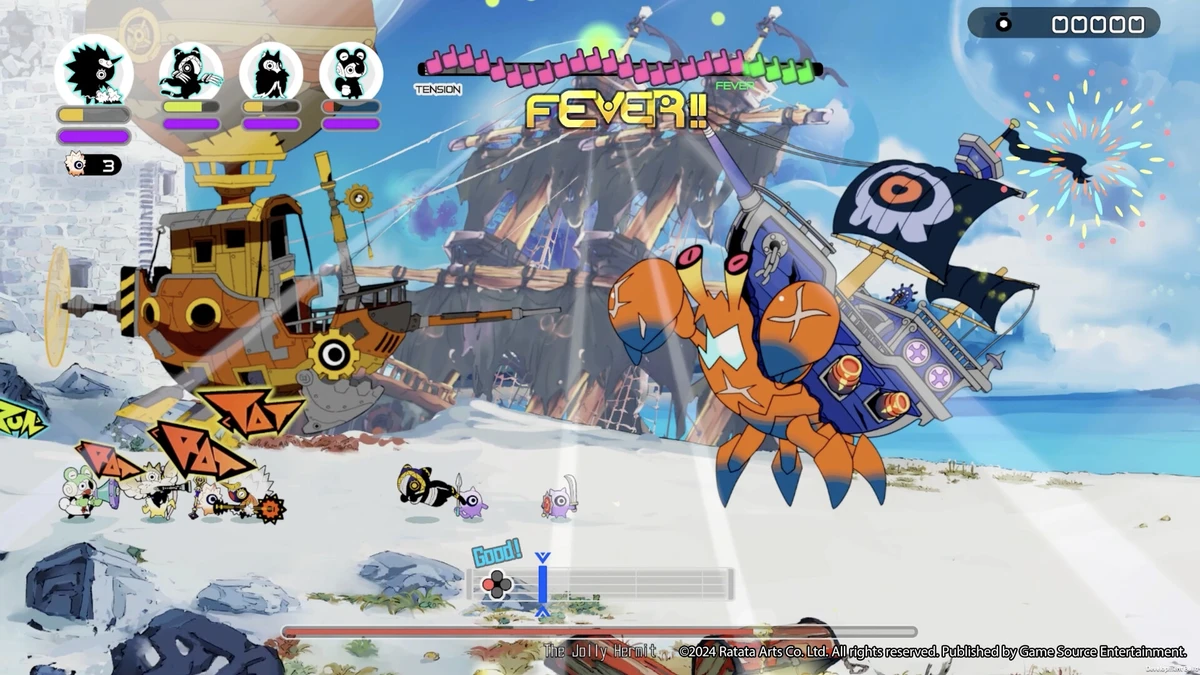
To install the unofficial Russian translation for Ratatan, install MelonLoader 0.7.x into Ratatan.exe, launch the game once until the main menu appears, close it, and then extract RatatanRU.zip into the game’s main folder. Start Ratatan again and select English in the game settings; the translation replaces the English text with Russian.
Requirements and supported version
This translation is intended for Ratatan version 0.7.14 and newer. You need the game’s Windows installation, MelonLoader 0.7.x, and the translation archive. The default Steam folder is:
C:\Program Files (x86)\Steam\steamapps\common\Ratatan
If Ratatan is installed elsewhere, open Steam, right-click the game, choose Manage, and select Browse local files to open the correct folder.
Installation
- Run the MelonLoader installer, select
Ratatan.exe, and chooseInstall. - Launch Ratatan once and wait until the main menu is fully loaded. The first MelonLoader launch can take noticeably longer than usual.
- Close the game after reaching the menu.
- Extract the contents of
RatatanRU.zipinto the Ratatan installation folder. Allow folder merging if Windows asks. - Start the game and open its settings. Set the game language to
English, because the mod uses the English locale as the text it replaces.
After extraction, the important files should have these locations:
Ratatan\Mods\RatatanRU.dllRatatan\UserData\RatatanRU\fonts\MPLUSRounded1c-Black.ttfRatatan\UserData\RatatanRU\ru\*.json
Adjusting the translation
Once the mod has run, its settings are stored in UserData\MelonPreferences.cfg, under the [RatatanRU] section.
| Setting | Purpose |
|---|---|
Apply | Use true to enable the translation or false to disable it. |
TargetLocale | en identifies the game language being replaced. |
FontLineScale | Controls spacing between lines. Try 0.8–0.85 if lines are cramped, or 0.65–0.7 if they look too far apart. The default is 0.75. |
Fixes after a game update
If the Russian text disappears after a Ratatan patch, launch the game once and wait at the main menu so MelonLoader can update its files for the new version. If MelonLoader no longer starts and its console does not appear, run its installer again and reinstall it. If the problem remains, the relevant diagnostic file is MelonLoader\Latest.log.
Removing the translation
To remove only the Russian translation, delete Mods\RatatanRU.dll and the UserData\RatatanRU folder. To remove MelonLoader as well, run its installer and choose Uninstall.
Known limitations
Some words are embedded in images, including logos and portions of title screens, so they remain untranslated. Russian text is often longer than English, and line breaks may look imperfect on some screens. In online play, only your own display is translated; the mod does not change what other players see.