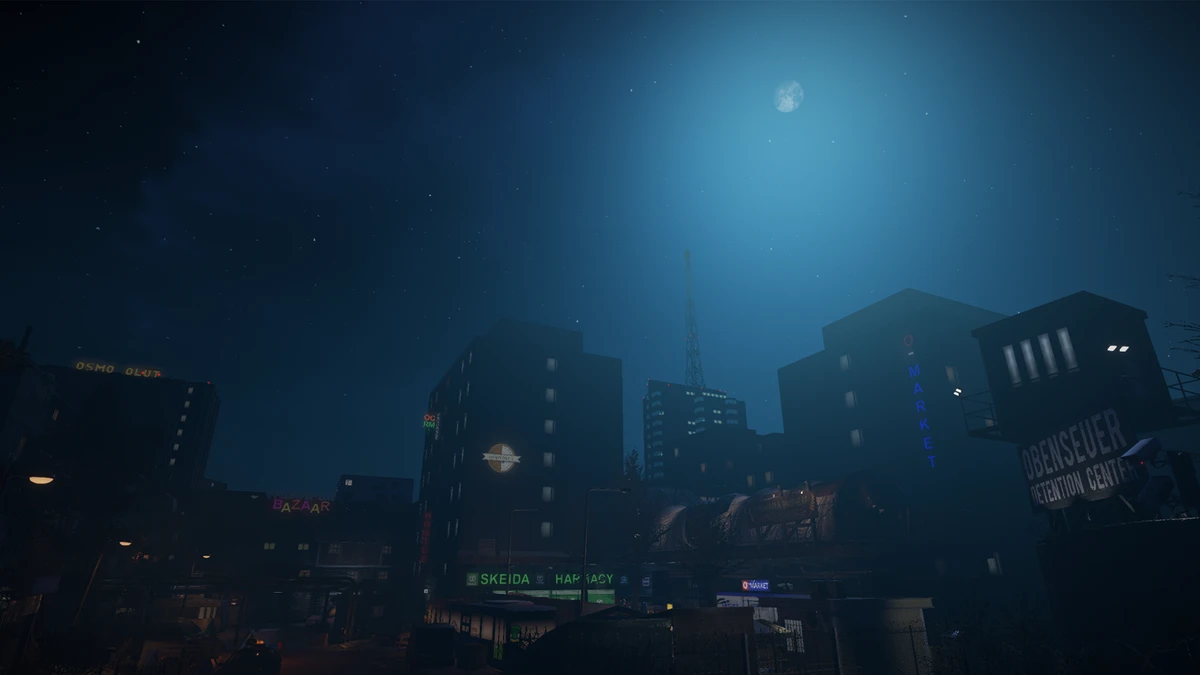
To install the unofficial Russian translation for Obenseuer, download the Obenseuer_RU archive, open the game’s local files through Steam, and extract every file from the archive into that folder beside Obenseuer.exe. Start the game afterward; the menus should appear in Russian.
What the translation includes
The translation is intended to cover most of the game’s text rather than only the main menu. It includes approximately 9,000 lines of dialogue, item names and descriptions, tooltips, quests, notes, letters, menus, settings, the interface, character creation, furniture, signs, locations, and loading-screen tips. Some translated names also differ from the original terminology. For example, Obenseuer is rendered as “Сточная Дыра,” Open Sewer Coins become “МС,” Real Money becomes “РД,” and the SMV term is translated as “СМВ.”
Installation steps
- Download the available
Obenseuer_RUtranslation archive. The source lists releases 0.1 and 0.2; use the archive provided for the release you intend to install. - In Steam, open your library and right-click
Obenseuer. - Choose
Manage, then selectBrowse local files. This opens the installation directory. - Extract the complete contents of the translation archive directly into that directory. The extracted files must be beside
Obenseuer.exe, not inside an additional nested folder. - Launch
Obenseuer. The main menu should now be in Russian, and the translation files will provide Russian text in the supported parts of the game.
Important version information
| Component | Version stated by the source |
|---|---|
| Translation | 0.1, described as a test version |
| Game | 0.5.08 |
Obenseuer is in Early Access, so a game update can cause some text to return to English until the translation is updated. The translation works through BepInEx and XUnity.AutoTranslator; it does not modify the game’s original files.
Removing the translation
To uninstall it, close the game and remove these items from the Obenseuer installation folder:
- the
BepInExfolder winhttp.dlldoorstop_config.ini.doorstop_version
The archive also contains a file named ПРОЧТИ_МЕНЯ.txt (“READ ME”). Consult it for the detailed installation instructions and troubleshooting information supplied with that particular translation release.
Reporting translation errors
If you find an incorrect or missing translation, record a screenshot and describe where it appeared. Include the location, character, or menu involved. This information is useful for identifying the affected text and preparing a correction in a later version.